Installing Jusonix on a Fire TV Stick
All you need is the remote and five minutes. Downloader is a free app from the Amazon store: it fetches the Jusonix APK straight onto the TV.
Install Downloader from the Amazon store
From the Fire TV home screen search for "Downloader" (the orange icon with a white arrow) and install it. It is free and published on the official store.
Allow apps from unknown sources
Settings → My Fire TV → Developer options → Install unknown apps, then turn on the switch next to Downloader. On some versions the entry is called "Apps from Unknown Sources".
Open Downloader and type the address
In the top field type the address below and press Go. It is short on purpose: fifteen characters and no slashes.
app.jusonix.comInstall the APK
The download takes a few seconds. When it finishes press Install, then Done. You can delete the downloaded file when Downloader offers to.
Open Jusonix and load your playlist
On first run pick your language, then "Add playlist". If you would rather not type a URL with the remote, scan the QR code with your phone and paste it there.
Note: Jusonix includes no channels. To watch anything you need your own M3U playlist or Xtream Codes account.
From here on
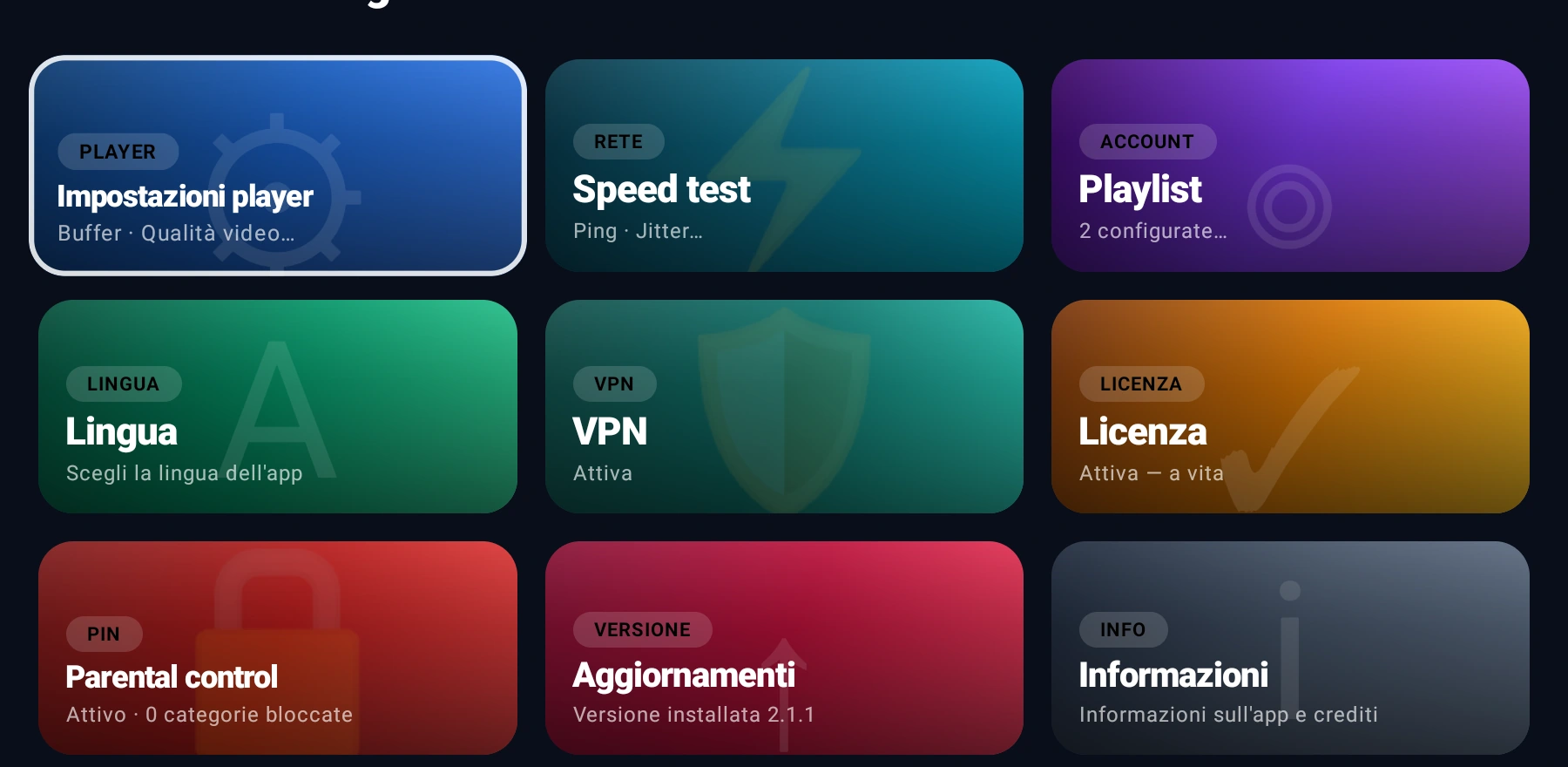
The first 7 days are a full trial. Updates live inside the app, under Settings → Updates: when a new one is out the app tells you.
If something goes wrong
Downloader says the install is blocked
The permission from step 2 is missing. Go back to Settings → My Fire TV → Developer options and enable "Install unknown apps" for Downloader.
I cannot find "Developer options"
Go to Settings → My Fire TV → About and press seven times on "Fire TV Stick": the entry appears in the previous menu.
The download never starts
Check that you typed the address with no "www" and no trailing slash: just app.jusonix.com. Downloader adds http:// itself.